Clinic management software in Algeria: several doctors, one queue per specialty
Several specialties, a queue and a room for each, a front desk with limited rights: how a clinic runs on Yadoct Pro, free of charge.
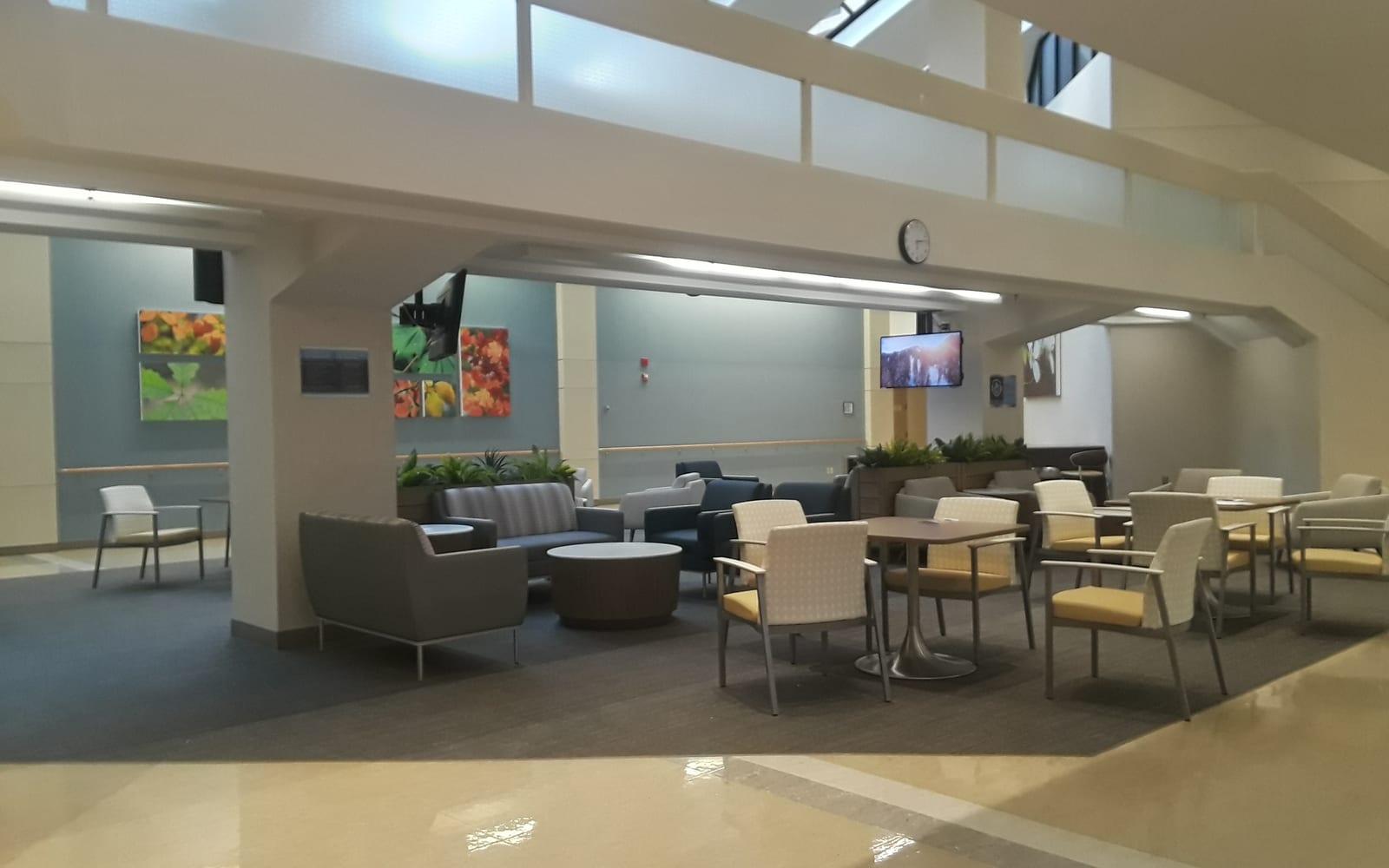
In a clinic, the bottleneck is almost always the same: the front desk. A single team directs patients for five specialties, answers the phone, hands out numbers and keeps the waiting room calm. Yadoct Pro is clinic management software built for that reality: several doctors and several specialties under one account, one queue per specialty, one screen for the whole room, and front-desk accounts that see only what they need to see.
The software is free, with no time limit. Here is how a clinic gets organised with it.
One account, several specialties
The clinic has a single account. Its specialties are set up with the Yadoct team when the account is opened, and each doctor is attached to their own specialty. A doctor at the clinic works just as in their own practice — their queue, their patients, their prescriptions — without seeing what doesn't concern them.
The queue and the screen
Each specialty has its own queue. Patients take their ticket at the front desk or remotely in the Yadoct app, and a single screen in the waiting room calls patients from every specialty. No patient name is shown. It is all presented on the queue management system page.
Team accounts, one permission at a time
Receptionists, assistants, doctors: each has their own account, and the clinic chooses their permissions one by one — managing the queue, the calendar, payments, stock, settings. Sensitive permissions are not ticked by default. A front-desk account can therefore run the queues without opening medical records.
A clinic's modules
The software stays simple until you ask for more. Modules are switched on from the settings, practice by practice:
- Stock: the inventory of consumables, with an alert when an item drops below its threshold. It is switched on by default for clinics.
- Procedures and payments: each specialty's catalogue of procedures, payments, deposits and unpaid balances.
- Insurance: the certificate of care that a CNAS or CASNOS insured patient needs to be reimbursed, and the share paid by private insurers and mutual funds. Yadoct does not read the Chifa card and is not connected to the CNAS.
- Secure prescriptions: the register of psychotropic and narcotic drugs, printed for the DSP's approval stamp.
Patient records
The clinic's data is stored on servers located in Algeria, encrypted and accessible only to authorised people, in accordance with Law 18-07. As an option, the “records encrypted by the practice” mode also works for clinics: clinical records are encrypted with a key that only the clinic holds, and nobody else can open them, not even Yadoct. The details, and the trade-off, are in our article on free medical practice management software.
What it costs
The software is free: accounts, specialties, queues, tickets printed at the front desk, the screen, records and modules. Only appointments patients book online (on the website or in the app) and tickets they take remotely in the app are charged, and only when the consultation took place (a no-show is never charged), after a 30-day free trial — see the queue pricing and the appointment pricing.
How to get started
- Download Yadoct Pro from the partners page and open the clinic's account.
- Submit your documents: the Yadoct team checks them before activating the account.
- Set up the specialties with the Yadoct team.
- Create your team's accounts and choose their permissions.
- Connect the waiting-room screen.
See also: Yadoct Pro by specialty.
Frequently asked questions
Is there free clinic management software in Algeria?
Yes. Yadoct Pro is free for clinics with no time limit: specialties, queues, screen, records, team accounts and modules. Only appointments patients book online (on the website or in the app) and tickets they take remotely in the app are charged, and only when the consultation took place (a no-show is never charged), after a 30-day trial.
Does each specialty have its own queue?
Yes. Each specialty has its own queue, and a single screen can show them all.
Can a receptionist see medical records?
Only if the clinic allows it. Each account's permissions are chosen one by one, and sensitive permissions are not ticked by default.
Can patients take a ticket without the app?
Yes: at the front desk, with a printed ticket. The Yadoct app is for taking a ticket remotely and being alerted when your turn is getting close.
Does the waiting-room screen show all specialties?
Yes, every specialty on one screen — never the patient's name.
Is Yadoct connected to the CNAS?
No. The insurance module produces the certificate of care and tracks the insurers' share, but Yadoct does not read the Chifa card and has no connection with the CNAS.
Where is the clinic's data stored?
On servers located in Algeria, encrypted and accessible only to the clinic's authorised people, in accordance with Law 18-07 on the protection of personal data.
This article is published for general information and is not a substitute for a medical consultation. If you have any doubt about your health or your child’s, see a doctor.

Pink October 2026 in Algeria: breast cancer screening, where and how to get checked
Over 13,000 new cases a year make breast cancer the most common cancer among Algerian women. What screening changes, who to see, and how to get a mammogram.

Dental emergency in Algiers: finding a dentist open now, in the evening or at the weekend
Toothache, broken tooth, abscess: when it is an emergency, where to go in Algiers at night or on Friday, and how to find a dentist open right now without hours on the phone.

Free medical practice management software in Algeria: Yadoct Pro, what is free and what is billed
Calendar, patient records, waiting-room queue, prescriptions: Yadoct Pro is free with no time limit. You only pay for appointments patients book in the app.
Looking for a Doctor? Book your appointment and experience priority care.

All your health needs, in one place