
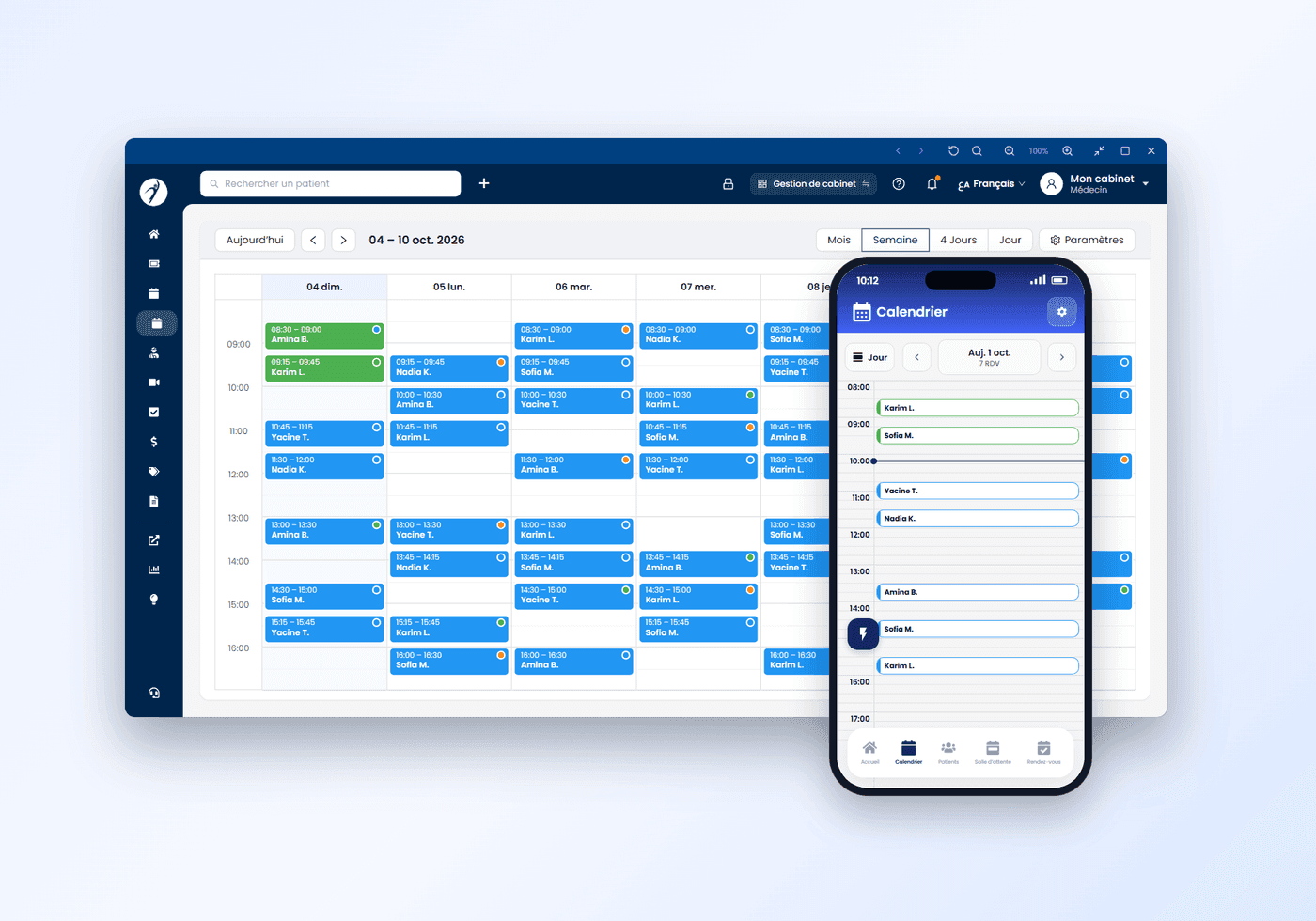
Give your patients a smoother care experience
Patients request appointments from the app. Your clinic sets the rules. Yadoct handles reminders and reliability checks to reduce no-shows.
Control your schedule
Define schedule rules, working hours, slot durations, and priorities — adapted to your specialty.
Increase your visibility
Strengthen your online presence to attract new patients and simplify access for those already under your care.
Online booking
Patients choose a time slot and book an appointment through your profile on the Yadoct app.
Less admin work. Fewer missed appointments.
Patients who book in the app are reminded the day before and three hours before. Fewer slots lost because a patient forgot — and a no-show is never charged.

You choose how online appointments are confirmed
Automatic confirmation, or your practice confirms each request itself: one switch in your settings. Either way, reminders and patient accountability keep your day predictable.
- Online request
- Confirmed automatically, or by your practice
- Reminders, then the visit
Automatic or by hand, your call
Switch automatic confirmation on and online requests land confirmed in your calendar. Switch it off and each request waits for your practice to confirm it.
Reminders without calls
The patient is reminded the day before and three hours before, from the app. Your team does not phone to confirm.
Patients who show up
A missed appointment lowers the patient’s reputation. Below zero, their next requests are no longer confirmed automatically: they are reviewed first.
Already using software in your medical practice? No problem.
Yadoct is designed to fit into your current workflow, not replace it. If you already use another software, you can keep it and still use Yadoct for what matters most: online appointments and patient flow. With a simple click, you can switch to a focused mode view.

Switch when needed
Full management or focused access — in one click.
“I already have all my upcoming appointments in my software, my Excel file or my notebook. Starting over is not easy.”
You don’t start over. You bring them with you.
Your upcoming appointments come into Yadoct in a few minutes, from wherever they are today. Nothing is retyped, nothing is lost, and your team keeps its habits.
Upload a picture or a screenshot. Yadoct reads the appointments and adds them to your calendar.
Name, phone, date, time: import the file as it is.
Import your upcoming appointments through the secure Google connection and find them in your Yadoct calendar.
Choose the right appointment workflow
Local appointment management stays free. Pay-as-you-go applies only to app-booked appointments that are successfully completed.
Test online appointments with full reminders and reliability tools — without risk.
Boost visibility and automate bookings with no fixed cost — pay only for completed appointments booked via the app.
A complete solution with unlimited online bookings, priority support, and advanced services with fixed price.


Build a calmer, more reliable schedule
Start with your current workflow. Add online bookings when you’re ready — with the tools to keep no-shows low and operations smooth.
Frequently asked questions
Is there online appointment booking software for doctors in Algeria?
Yes: with Yadoct Pro, your patients book a real slot on your profile, on the yadoct.com website or in the Yadoct app, 24/7. The appointment lands in your calendar and the patient gets an automatic reminder.
How much does online booking cost?
The practice software is free. Each appointment booked online costs 25 DZD, only when the consultation took place — a no-show is never charged — or 1990 DZD a month, unlimited, after a 30-day free trial.
Can I keep my current software?
Yes. Use Yadoct only for online booking: Focus Mode shows just the calendar, and your records stay in your software. Nothing to migrate.
Do patients need an account?
Not on the website: a first name, a last name and a phone number are enough. The request goes straight to the practice, which calls the patient to confirm; if your practice uses automatic confirmation, the Yadoct team first checks the request by phone before it enters your calendar. In the app, the booking goes straight to your practice.
How do I reduce no-shows?
The patient gets an automatic reminder, and a reputation system means a patient who misses a confirmed appointment is called by the Yadoct team before their next booking.
How do I get started?
Download Yadoct Pro, create your account and send your documents: the Yadoct team verifies them, then you set your hours and visit reasons.

All your health needs, in one place