


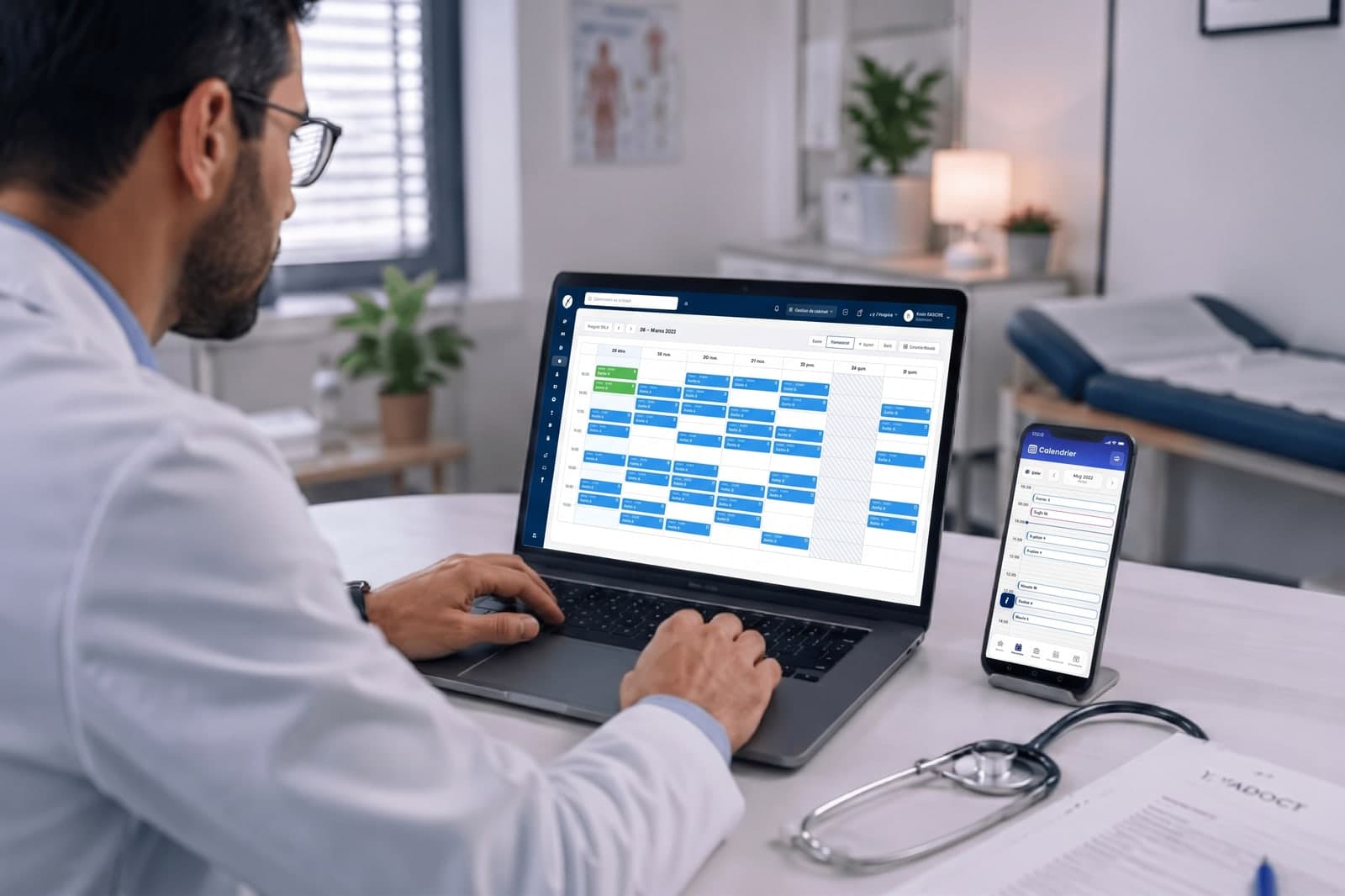
Already using software in your medical practice? No problem.
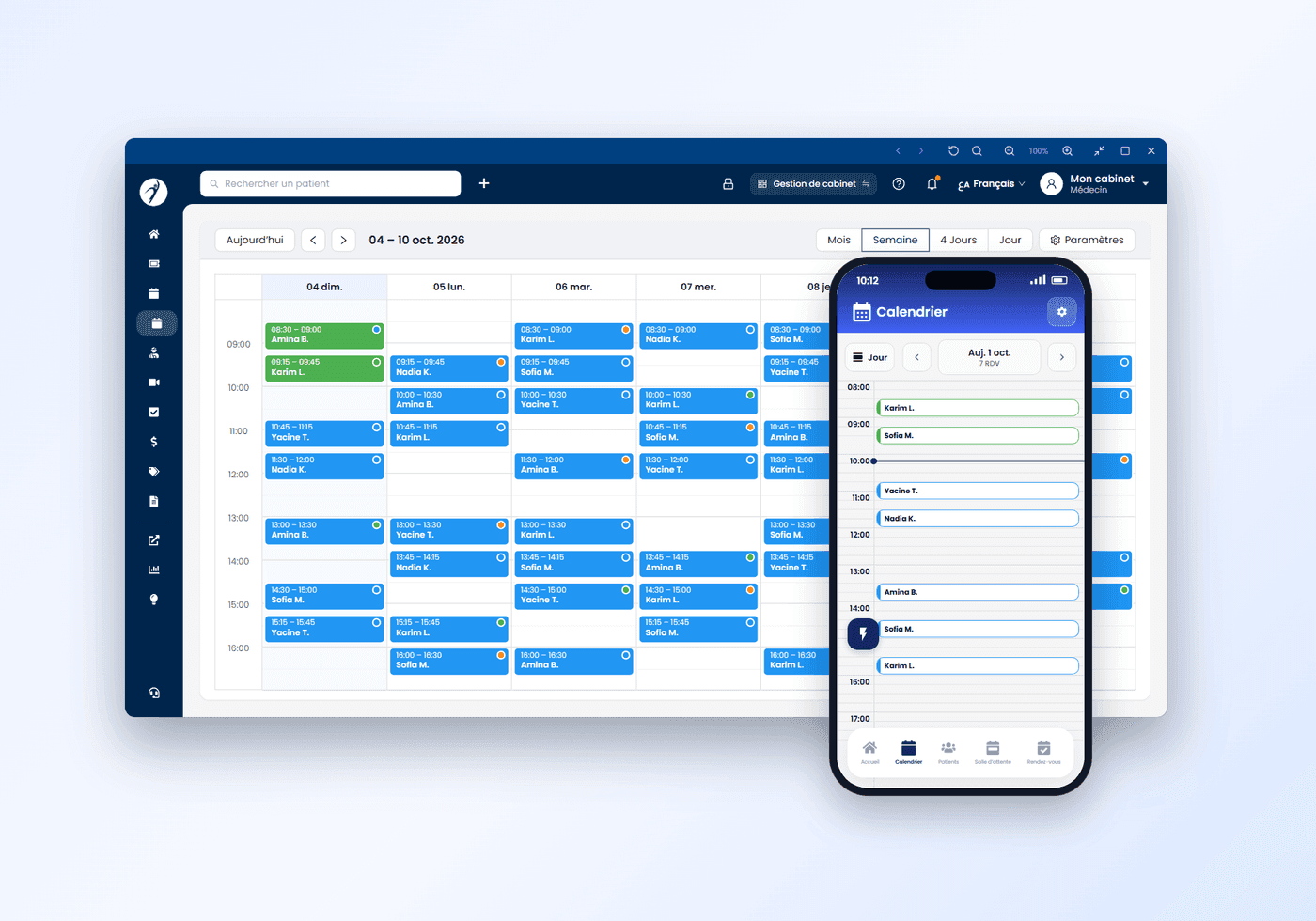
Yadoct is designed to fit into your current workflow, not replace it. If you already use another software, you can keep it and still use Yadoct for what matters most: online appointments and patient flow. With a simple click, you can switch to a focused mode view.

Switch when needed
Full management or focused access — in one click.
How do you receive your patients?
By appointment, without appointments, or both: Yadoct adapts to your practice. Pick your case.


Questions practices and clinics ask
Is Yadoct a free medical practice management software?
Yes. The calendar, appointments taken at the practice, patient records and the doctor and assistant accounts are free, with no time limit. Only the appointments and tickets your patients take through the Yadoct app are billed — per unit or as a monthly plan, after a 30-day free trial.
How does the remote waiting-room queue work for my practice?
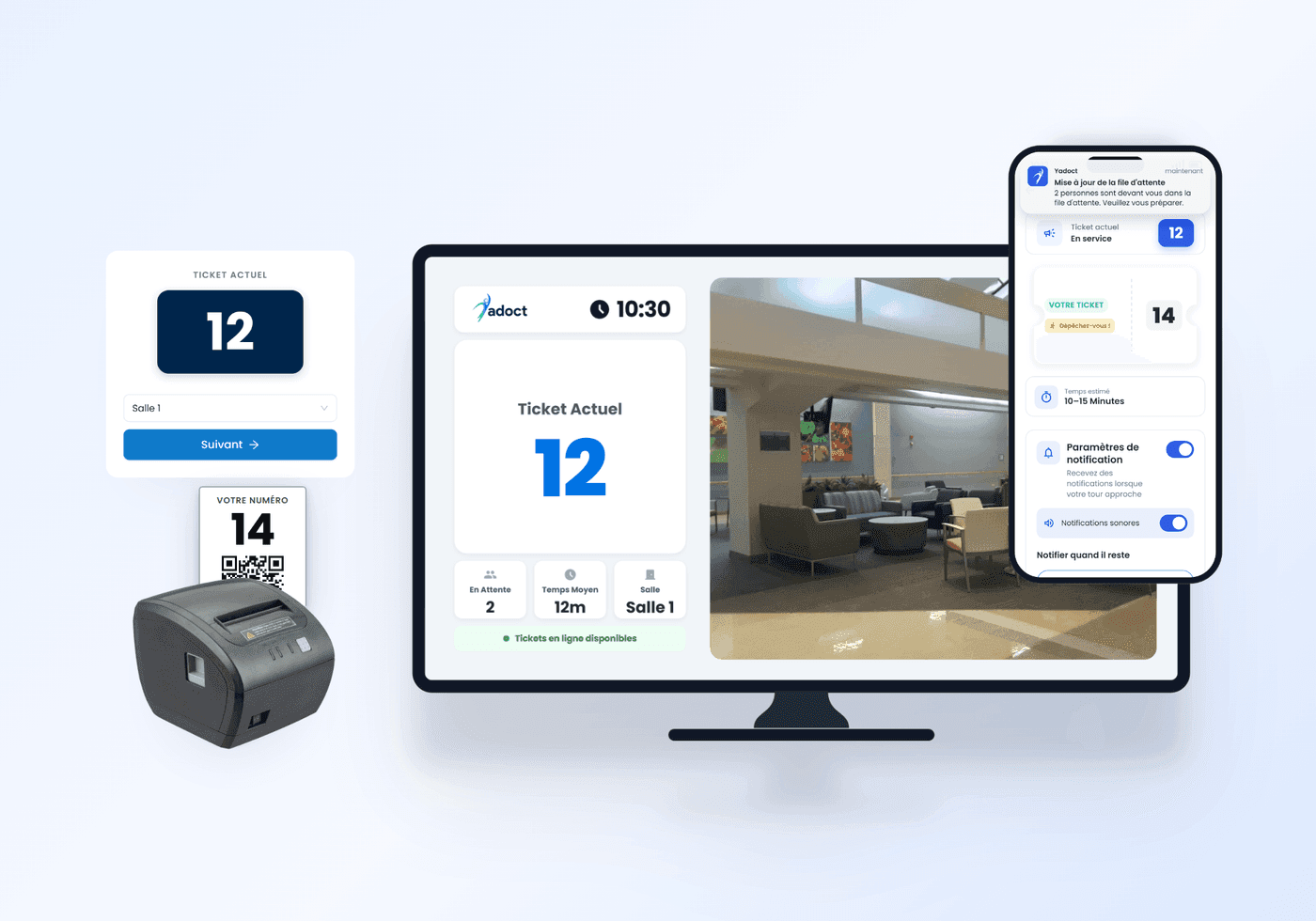
Your patients take a ticket in the Yadoct app without coming in, and follow the number being served and the estimated wait in real time. You call the next patient from Yadoct Pro. Walk-in patients can get a printed ticket: everyone is in the same line.
Do I have to replace my current medical software to use Yadoct?
No. Yadoct runs alongside your current software: use it for online booking, the waiting-room queue and patient communication, and keep your usual tools for the rest.
How do I list my practice or clinic on Yadoct?
Download the Yadoct Pro app and create your professional account with your credentials. The Yadoct team reviews the file before activating the account; your public profile then appears on yadoct.com and in the patient app, with online booking.
Does Yadoct suit a clinic with several specialties?
Yes. A clinic runs several doctors and specialties under one account, with a separate queue per specialty, accounts for reception staff and an overview of the whole activity.
Looking for a Doctor? Book your appointment and experience priority care.

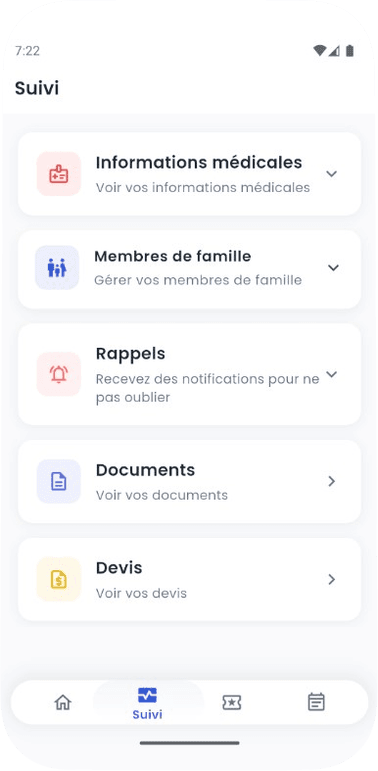

All your health needs, in one place